01
GETTING STARTED
Understand the main Safsale navigation
Safsale combines a large industrial, electrical and security equipment catalog with technical resources, project tools and an order-review workflow. The header is designed to keep the most common actions within one or two clicks.
1Category opens the product catalog structure for browsing by equipment family.
2Search is the fastest route when you already know a manufacturer part number, model or product name.
3Marketplace, Delivery Information, Smart Link Academy and Contacts open dedicated service areas.
4My Account contains sign-in, registration, order history and account settings.
Fastest route when you know the model: enter the complete part number first. If there is no exact match, shorten the search to the core model or manufacturer name.
02
ACCOUNT & REGISTRATION
Create an account and use Account Center
An account is not required for basic browsing, but it gives you a persistent workspace for order history, saved equipment, profile information and account preferences. Registration is designed to be short: contact information, password and terms acceptance.
How to register
- Open My Account and choose Create account.
- Enter your name, email address and phone number.
- Create and confirm a password.
- Review the Terms & Conditions and submit the form.
- After registration, use Account Center for profile settings, saved equipment and order history.
Your account should remain signed in after you submit an order request. Sign out only when you intentionally choose Sign out.
03
PRODUCT SEARCH & CATALOG
Find equipment by part number, category or product type
The catalog supports several browsing paths because technical buyers do not always start with the same information. You may know an exact part number, a product family, an application or only the equipment type you need.
Exact part numberUse the header search when you know a model, SKU or manufacturer part number.
Category browsingUse Category to move through security, power, electrical, cabling, enclosures and installation families.
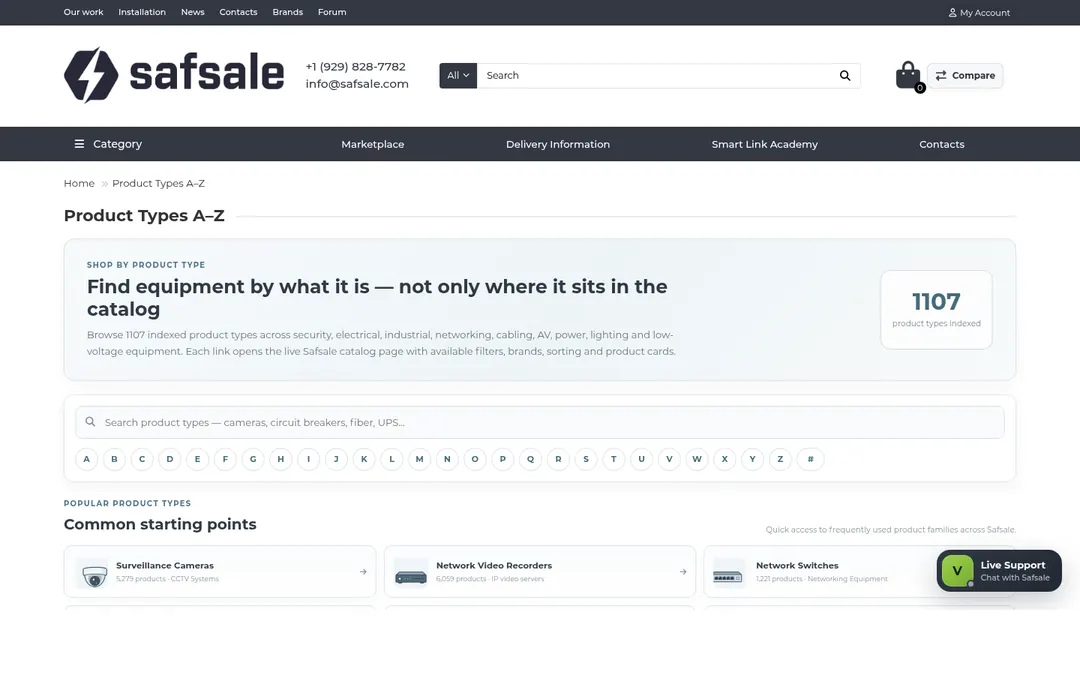
Product Types A–ZUse the indexed product-type directory when category names are too broad.
Compare productsUse Compare when you need a side-by-side view of multiple catalog items.
When a search result is too broad, add the manufacturer or a distinctive model fragment. When it is too narrow, remove punctuation, package suffixes or nonessential descriptive words.
Browse Product Types A–Z
04
PRODUCT PAGES
Read a product page before adding equipment to the cart
A Safsale product page brings together the catalog identity, model or SKU, availability status, price information, purchase controls and supporting links. For technical products, always compare the displayed model and requirements with your project documents before submitting an order.
Before adding an item to the cart, check:
Model or manufacturer part number
Required quantity and package size
Availability or lead-time notes
Voltage, form factor, color, connector or other project-critical attributes
Any accessories, licenses or companion equipment required for operation
Estimated pricing: where a product page labels a price as estimated, final price and availability remain subject to Safsale review and confirmation.
05
CART & ORDER REVIEW
Understand Safsale’s review-first order workflow
Safsale does not treat every cart submission as an instant credit-card transaction. The cart is a structured equipment request. The order-review step gives Safsale time to verify product availability, logistics, project fit and final commercial details before payment instructions are issued.
01Add equipmentSelect the product and quantity.
02Review cartCheck items, quantities and estimated pricing.
03Submit for reviewAdd contact, delivery and project notes.
04Safsale reviewAvailability, logistics and final terms are checked.
05Email follow-upReceive confirmation and next steps.
After submission: the confirmation screen means Safsale received your request. It does not mean an automatic card charge occurred. If you are signed in, your account should remain signed in so you can continue browsing or open order history.
06
PROJECT DESIGN & ENGINEERING
Turn project requirements into a buildable technical package
Project Design & Engineering is the planning layer for buyers, contractors, integrators and facility teams working on security, low-voltage, network and power systems. It provides structured workspaces instead of forcing every project into a simple product search.
Scope & Basis of Design
Device Schedules & BOM
Takeoffs & Layout Support
System Architecture
Engineering Calculations
Budgetary & Formal Pricing
Alternates & Value Engineering
Procurement & Logistics
Installation Coordination
Commissioning & Handover
Open Project Design & Engineering
07
PRE-ENGINEERED SOLUTIONS
Start faster with reference system designs and engineering calculators
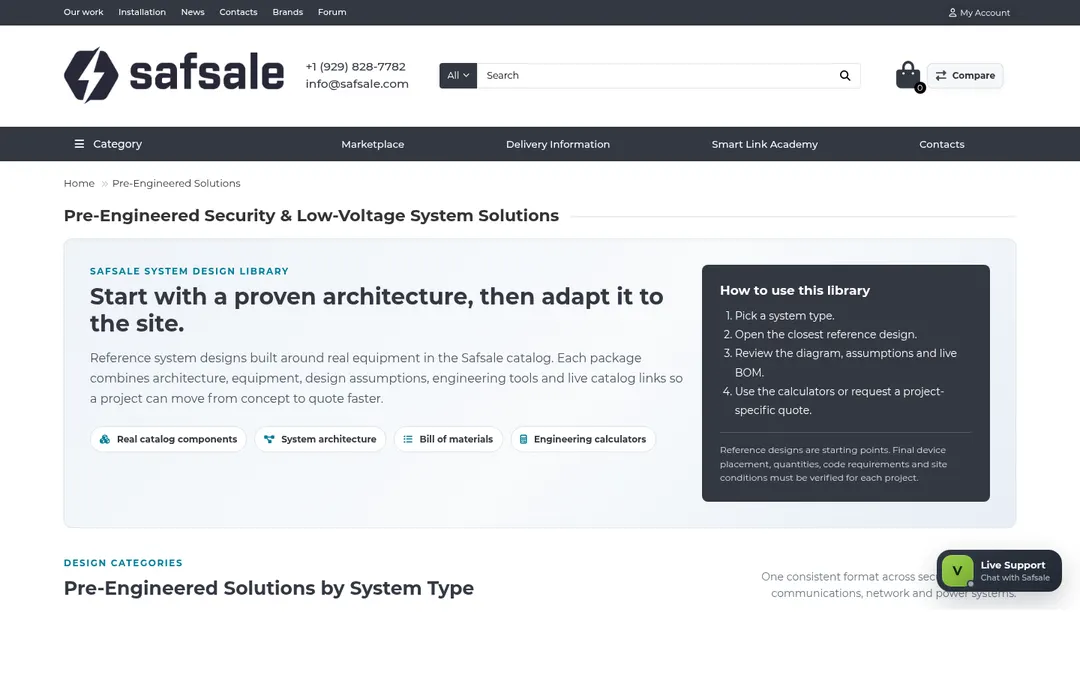
Pre-Engineered Solutions are practical reference architectures for common system types. They are useful when you know the application but do not yet have a complete BOM. Use them as a baseline, then adjust quantities, brands, storage, power, network and project constraints.
Security systemsVideo surveillance, access control, intrusion, intercom and notification.
InfrastructureNetwork, structured cabling, PoE, racks and connectivity.
CalculatorsStorage, bandwidth, UPS, battery and voltage-drop planning tools.
Browse Pre-Engineered Solutions
08
SMART LINK ACADEMY
Use technical guides when you need context before choosing equipment
Smart Link Academy is Safsale’s knowledge center. Use it when a product specification alone does not answer the practical question: how a system works, how components interact, what to calculate, what terminology means or what to verify before installation.
Open Smart Link Academy
09
MARKETPLACE
Browse Marketplace content without losing your place in the main catalog
The Marketplace is a separate discovery area within Safsale. Use it for marketplace-oriented listings and content while keeping the primary catalog, account and support tools available through the same Safsale navigation.
Open Marketplace
10
DELIVERY INFORMATION
Review shipping and logistics information before final fulfillment
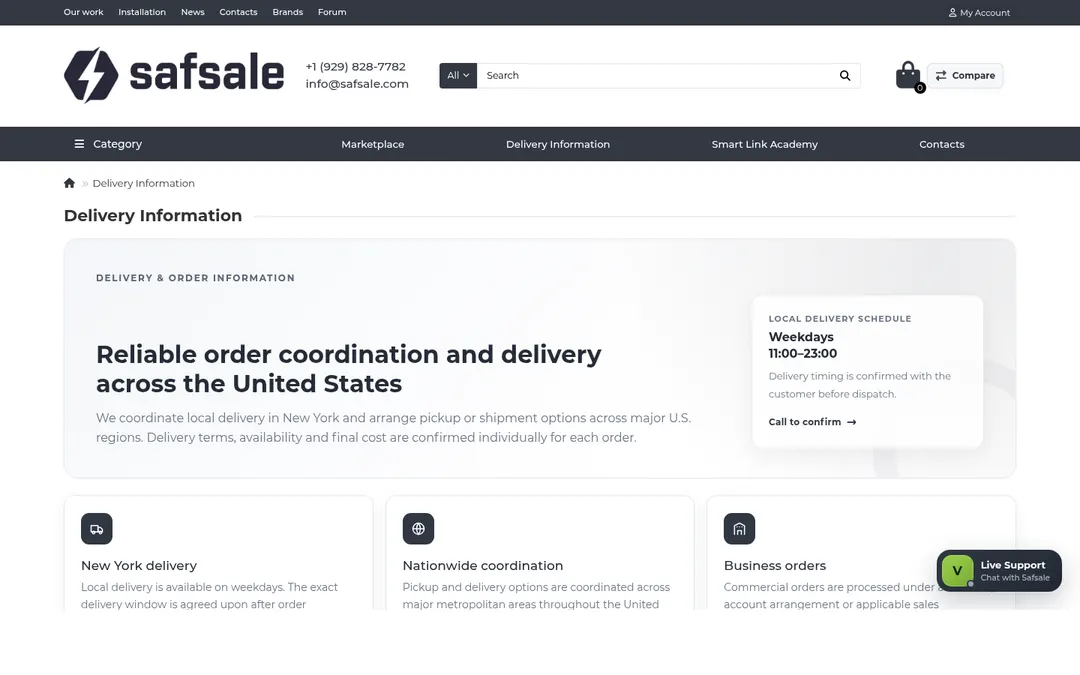
Delivery requirements can vary by product, warehouse, destination, size and project timing. Use Delivery Information for the general workflow and add known logistics details to your order notes. Safsale confirms final shipping details during order review.
Useful logistics details to include: delivery ZIP code, commercial or residential site, dock/forklift availability, required date, project phase and any pickup or receiving restrictions.
11
MOBILE GUIDE
Use Safsale on iPhone, Android and smaller screens
The responsive layout reorganizes the desktop header and content into touch-friendly controls. Product search, registration, Project Design & Engineering, Smart Link Academy, Marketplace and Help Center remain available on mobile.
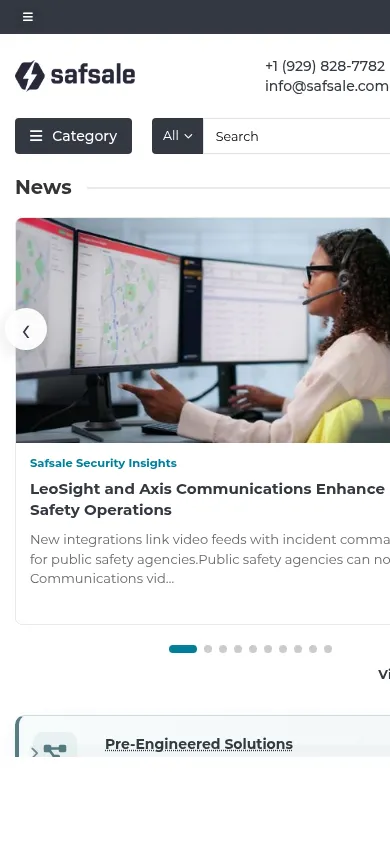 Home & search
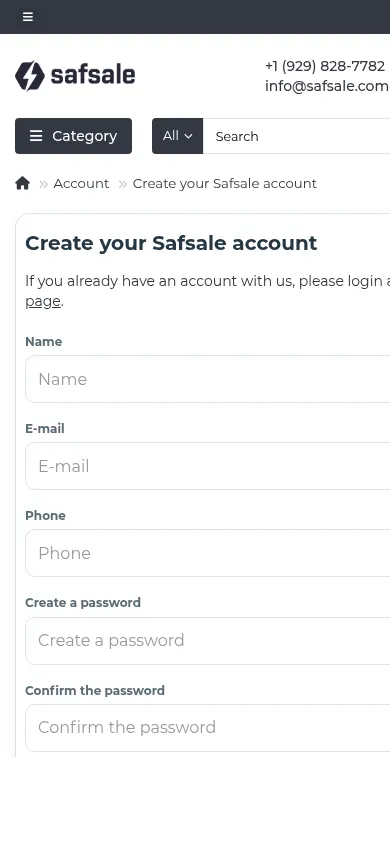 Registration
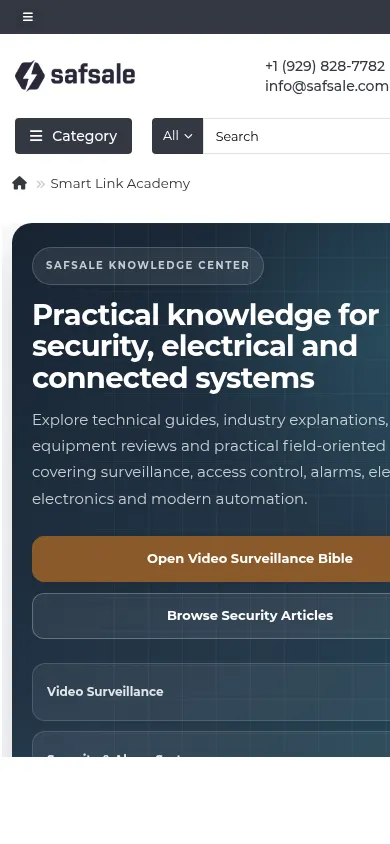 Smart Link Academy
Use the mobile menuNavigation condenses to keep the viewport clear.
Search stays prominentPart-number search remains available near the top of the page.
Account remains availableRegistration, sign-in and account history adapt to smaller screens.
Cart and order review are responsiveForms use mobile-safe field sizes and single-column layouts where needed.
12
CONTACT & SUPPORT
Contact Safsale when the question is specific to your product, order or project
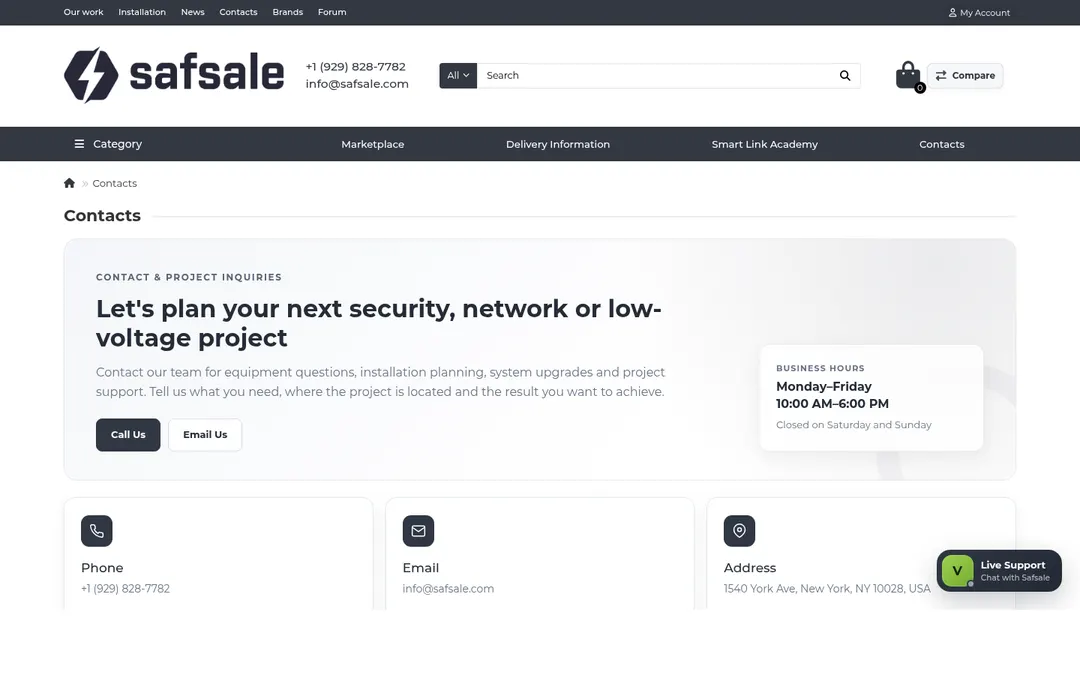
The Help Center explains the general website workflow. For a specific product match, current availability, order status, project design question or account problem, contact Safsale directly and include the identifying information that helps the team find the case quickly.
Include this when possible
- Manufacturer and part number
- Required quantity
- Order number or project name
- Delivery ZIP code
- Required date or project deadline
- Relevant drawings, BOM, RFQ or technical notes
COMMON QUESTIONS
Safsale Help Center FAQ
Short answers to the questions that most often come up around account access, searching, checkout and project tools.
Do I need an account to browse products on Safsale?
No. You can browse categories, product pages, Product Types A–Z, Smart Link Academy and most public planning resources without signing in. An account is useful for order history, saved equipment and account settings.
Can I search Safsale by part number or model?
Yes. Use the search field in the header for a manufacturer part number, model, product name or descriptive keyword. Product Types A–Z and category navigation provide additional ways to browse the catalog.
Does submitting an order charge my credit card immediately?
No. Safsale uses a review-first order workflow. Submitting the order sends the equipment request to Safsale for availability, logistics and final commercial review. Payment instructions are confirmed after review.
What happens after I submit an order for review?
Safsale receives the request, reviews the selected products, quantities, availability, shipping and any project notes, then follows up by email with the next steps and payment instructions.
Can I submit an order before I know the final delivery address?
Yes. The delivery address may be confirmed later during the review stage. Add any known delivery details or timing requirements in the order notes.
Where can I see my previous orders?
Sign in and open My Account, then choose Order history & requests. The account area also provides profile settings, saved equipment, addresses, downloads, transactions and email preferences.
What is Project Design & Engineering on Safsale?
It is a project-planning workspace for security, low-voltage, network and power systems. It includes scope development, BOM support, takeoffs, architecture, engineering calculations, value engineering, procurement and coordination tools.
What are Pre-Engineered Solutions?
Pre-Engineered Solutions are reference system designs and planning starting points. They help buyers and project teams understand typical equipment, quantities, design logic and related engineering tools before a project-specific review.
What is Smart Link Academy?
Smart Link Academy is Safsale’s knowledge center with technical guides, practical explanations and planning content for security, electrical, networking, connected systems and related equipment.
Does Safsale work on mobile phones?
Yes. The catalog, account forms, Help Center, cart, order review, Project Design & Engineering, Marketplace and Smart Link Academy are responsive for phones and tablets.
How do I contact Safsale if I cannot find an answer?
Use the Contacts page or the Live Support control on the website. For product, order, project or account questions, include the part number, project name or order number when available.
NEED A HUMAN?
Still need help with a product, order or project?
Send Safsale the part number, quantity and project context you have. We can help connect the catalog item, technical requirement and next purchasing step.